Citrix has fixed the bugs and has rolled out version 2204.
Here’s how to get it.
Right-Click the Citrix Icon in your tool Tray (bottom right corner of your screen) 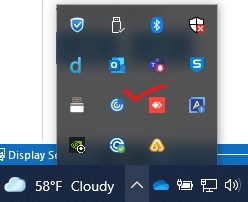
Choose Check for Updates
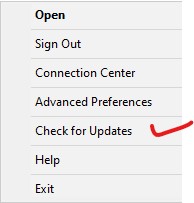
You will next get a popup message to download an update
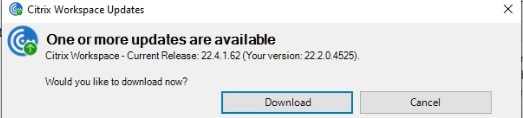
Click Download
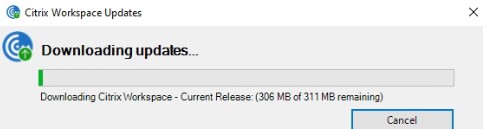
When download is complete,
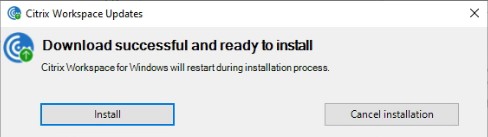
Click Install
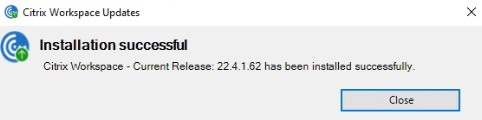
Click close and now begin using.
If you didn’t see an upgrade option when you right-clicked on the Citrix icon, you can download workspace from the internet and upgrade it. https://www.citrix.com/downloads/workspace-app/windows/workspace-app-for-windows-latest.html
 INTUITIVE TECHNOLOGIES